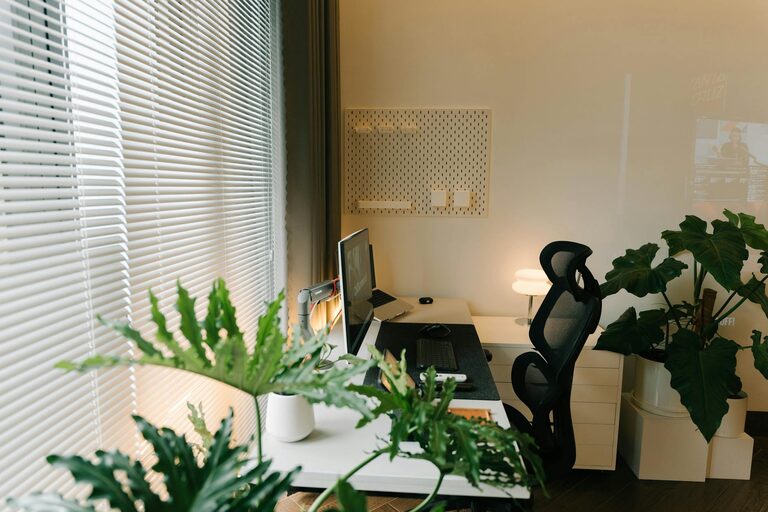
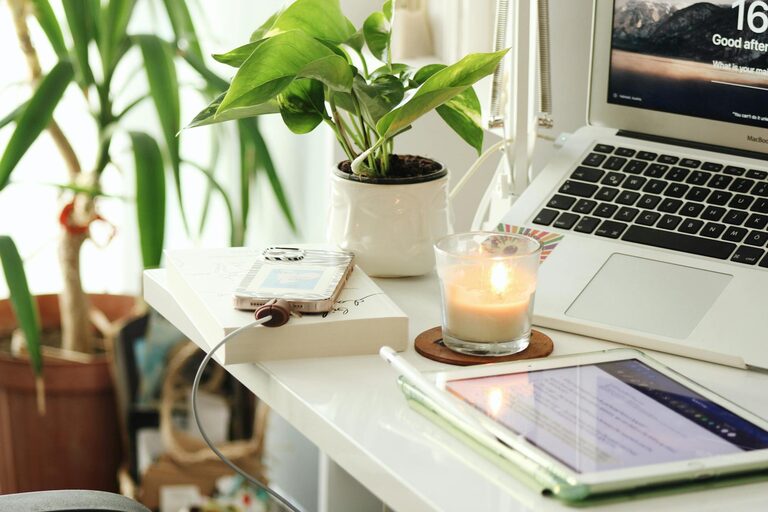
Creating a productive home office space is essential for anyone working remotely or managing tasks from home. A well-designed workspace can enhance focus, reduce distractions, and improve your overall work experience. Whether you have a dedicated room or a small corner, these tips will help you transform your area into an effective and comfortable office.
Choose the Right Location
The first step in creating a productive home office is selecting an appropriate location. Ideally, this should be a quiet, low-traffic area of your home where you can work without interruption.
– Natural Light: Allow natural daylight to enter your workspace to help reduce eye strain and improve mood.
– Avoid High-Traffic Areas: Spaces near busy rooms like the kitchen or living room can lead to distractions.
– Consider Privacy: If possible, pick a room with a door for added privacy during calls or focused time.
Invest in Comfortable Furniture
Comfort plays a vital role in staying productive throughout the day. Investing in good office furniture can prevent aches and improve your posture.
Desk
Choose a desk with enough surface space to accommodate your computer, documents, and other essentials. Consider adjustable desks or standing desks for added versatility.
Chair
A supportive office chair is crucial. Look for adjustable height, lumbar support, and comfortable padding. Ergonomic design is ideal for long hours.
Organise Your Workspace Effectively
A cluttered desk can distract you and make it harder to focus. Organise your workspace to keep everything within reach without overcrowding.
– Use Storage Solutions: Incorporate shelves, filing cabinets, or storage boxes to store supplies neatly.
– Minimise Desktop Items: Keep only essential items on your desk.
– Cable Management: Use clips or cable organisers to avoid tangled cords.
Control Lighting and Reduce Glare
Proper lighting is another key factor. Alongside natural light, add adjustable artificial lighting to avoid eye strain, especially during late hours.
– Desk Lamps: Position a desk lamp to illuminate your work area.
– Anti-Glare Screens: Use screen protectors or adjust monitor settings to reduce glare from windows or lights.
Personalise Your Space
Adding personal touches can make your home office inviting and motivating, but keep it balanced to avoid distractions.
– Plants: Indoor plants can improve air quality and add a calming effect.
– Artwork: Choose inspiring artwork or photos that motivate you.
– Colour Scheme: Soft, neutral colours often promote focus, but a pop of colour can energise the space.
Maintain a Healthy Environment
Your workspace should support your physical and mental wellbeing.
– Ventilation: Ensure proper airflow by opening windows or using a fan.
– Temperature Control: Keep the room at a comfortable temperature to avoid discomfort.
– Break Area: If space allows, designate a small area for breaks to rest and recharge.
Manage Noise Levels
Noise can significantly affect concentration. Strategies to manage noise include:
– Noise-Cancelling Headphones: Great for blocking out distractions.
– White Noise Machines: Can create a consistent sound environment.
– Soundproofing: Use rugs, curtains, or acoustic panels to absorb sound.
Establish Boundaries Between Work and Home Life
Working from home can blur the lines between professional and personal time. Creating boundaries can improve productivity and wellbeing.
– Set Working Hours: Stick to defined working hours as much as possible.
– Separate Workspace: Use your designated office area only for work.
– Inform Family: Communicate your schedule to household members to minimise interruptions.
Utilise Technology Wisely
Leverage technology to enhance your productivity but avoid digital clutter.
– Organised Files: Keep digital files and emails well organised for easy access.
– Productivity Tools: Use task managers or calendar apps to plan your day.
– Reliable Equipment: Ensure your internet connection and devices function properly.
Keep Your Workspace Clean
Regular cleaning helps maintain a pleasant environment and reduces allergens.
– Daily Tidy-Up: Spend a few minutes each day clearing your desk.
– Weekly Cleaning: Dust surfaces, vacuum floors, and clean electronics regularly.
—
Designing a productive home office takes time and effort, but the benefits to your work efficiency and comfort make it worthwhile. By focusing on location, comfort, organisation, and balance, you can create a space tailored to your needs that helps you work your best from home.